Smart Appliance Troubleshooting | What to Check First

It's 9pm, the dishwasher app says "offline," the dishes are still sitting there dirty, and you have no idea if you're looking at a $0 fix or a $300 one. That moment of not knowing is the whole problem with smart appliances. They fail in more ways than old appliances did, and most of those new failure points have nothing to do with the appliance actually working.
That's the real story behind smart appliance troubleshooting: most "failures" aren't one problem. They're one of three completely different problems, mechanical, connectivity, or software, and each one needs a different fix. According to the JD Power 2025 U.S. Appliance Reliability & Service Study, based on responses collected from over 12,700 owners between June and July 2025, connected appliances report 87 problems per 100 units, compared to 63 for non-connected models. That sounds alarming until you reframe it. It's not that smart appliances are worse built. It's that they have more moving parts, digitally speaking, and most people troubleshoot them the same blunt way they'd troubleshoot a toaster: unplug it, plead with it, call someone.
The Three Kinds of "Smart Appliance Problem" (and Why This Distinction Matters)
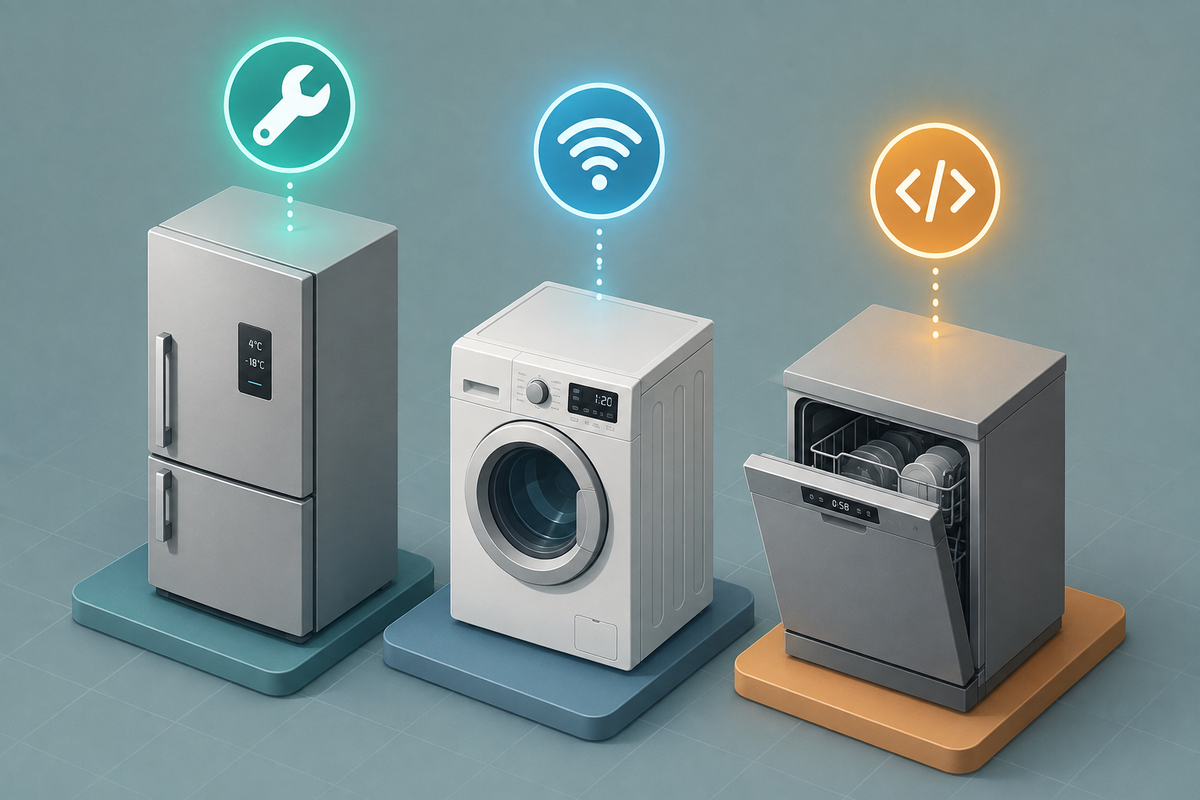
Everything below maps back to this. Before you touch a single setting, figure out which bucket you're actually in.
Mechanical/hardware failure. The appliance itself isn't doing its job. It's not cooling, not spinning, not heating. The smart features are irrelevant here, and no amount of app troubleshooting will fix a broken compressor.
Connectivity failure. The appliance runs fine using its physical buttons, but the app or Wi-Fi features are down. This is the most common and most misunderstood category.
Software/firmware failure. The app throws errors or the appliance behaves erratically, but it's neither a clean hardware failure nor a pure network dropout. Something in between.
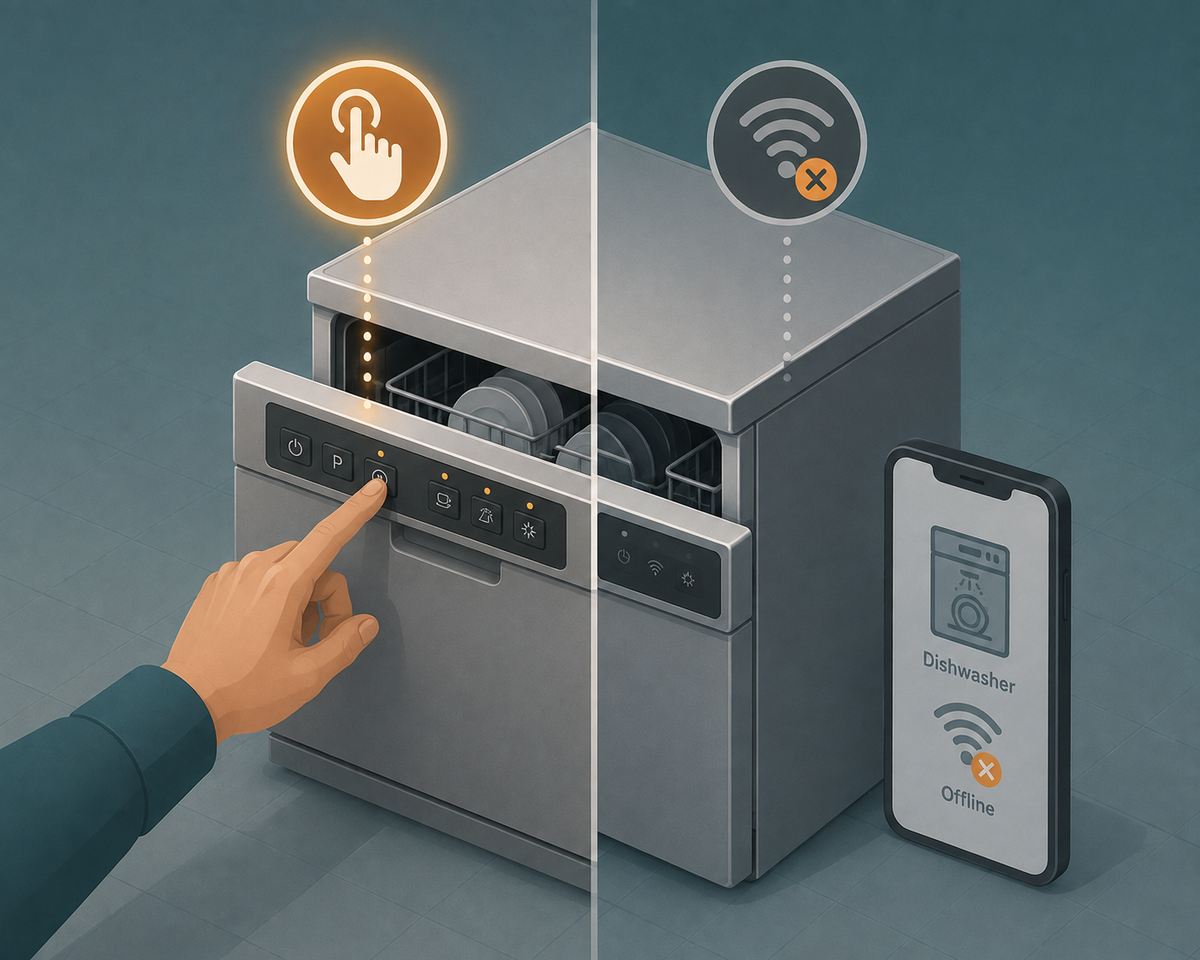
Here's the fastest triage question, and it's the one thing missing from nearly every other guide on this topic: does the appliance work using its physical buttons, ignoring the app entirely? If yes, you're dealing with connectivity or software, not a broken appliance. That single question saves people from booking repairs they don't need.
Step 1: Rule Out the Boring Stuff First (Safety + Power Basics)
Don't overthink this part.
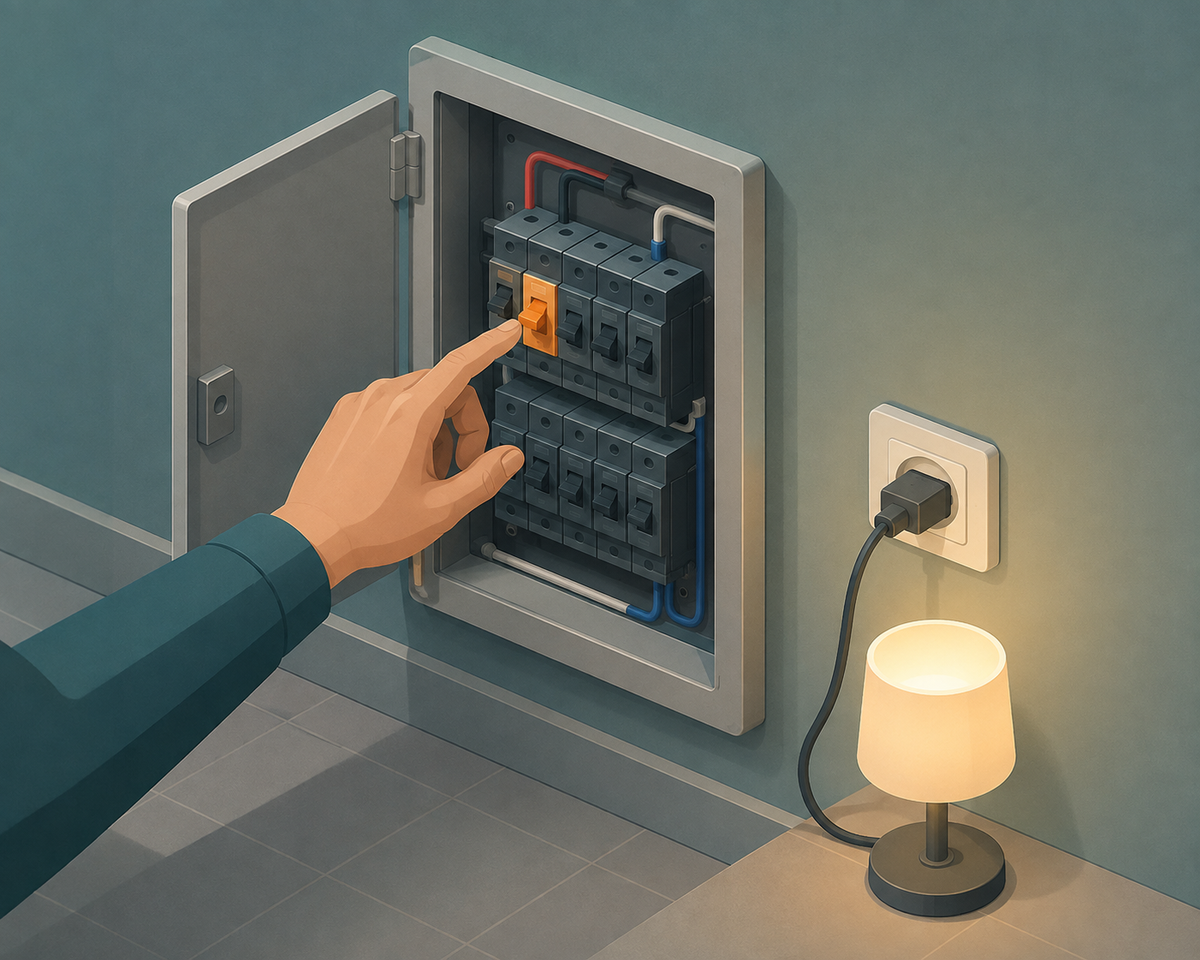
Confirm the outlet or circuit isn't the actual issue. Test it with a lamp or a phone charger, not just a glance at the cord. If the breaker tripped, check it, but if it trips again immediately after you reset it, stop resetting it. Electricians consistently warn that a breaker that trips the instant you reset it usually signals a short circuit, ground fault, or wiring issue rather than a simple overload, and that calls for a licensed electrician, not another reset attempt.
Always unplug the unit (or shut off the breaker for hardwired units like range hoods) before inspecting or cleaning anything with moving parts or a heating element.
A real example worth remembering: a "dead" smart oven that turned out to be a tripped GFCI outlet hidden behind the cabinet, not a failed control board. Nobody checked the outlet first because everyone assumed the smart oven's electronics had failed. Twenty minutes and a GFCI reset button later, it worked perfectly.
Step 2: Is It Actually Broken, or Just Offline? (The Manual Control Test)
This is the section that does the most work in this whole guide.
Bypass the smart layer entirely. Use the appliance's own physical panel or manual controls. If it runs fine that way, the appliance itself is fine. No repair needed.
Do not book a service call for a connectivity-only issue. A technician can't fix your Wi-Fi the way a router reset can, and you'll pay a diagnostic fee to be told what a five-minute test at home would have shown you. Some blogs throw around a specific percentage for how many "smart" issues are actually network-side rather than appliance-side. We're not repeating that number here, because it traces back to a single repair-company blog with no methodology behind it. What's safe to say: the manual control test alone resolves a meaningful share of the "my smart appliance is broken" calls that never needed to happen.
Step 3: Fixing Connectivity Issues (Router, App, and Network)
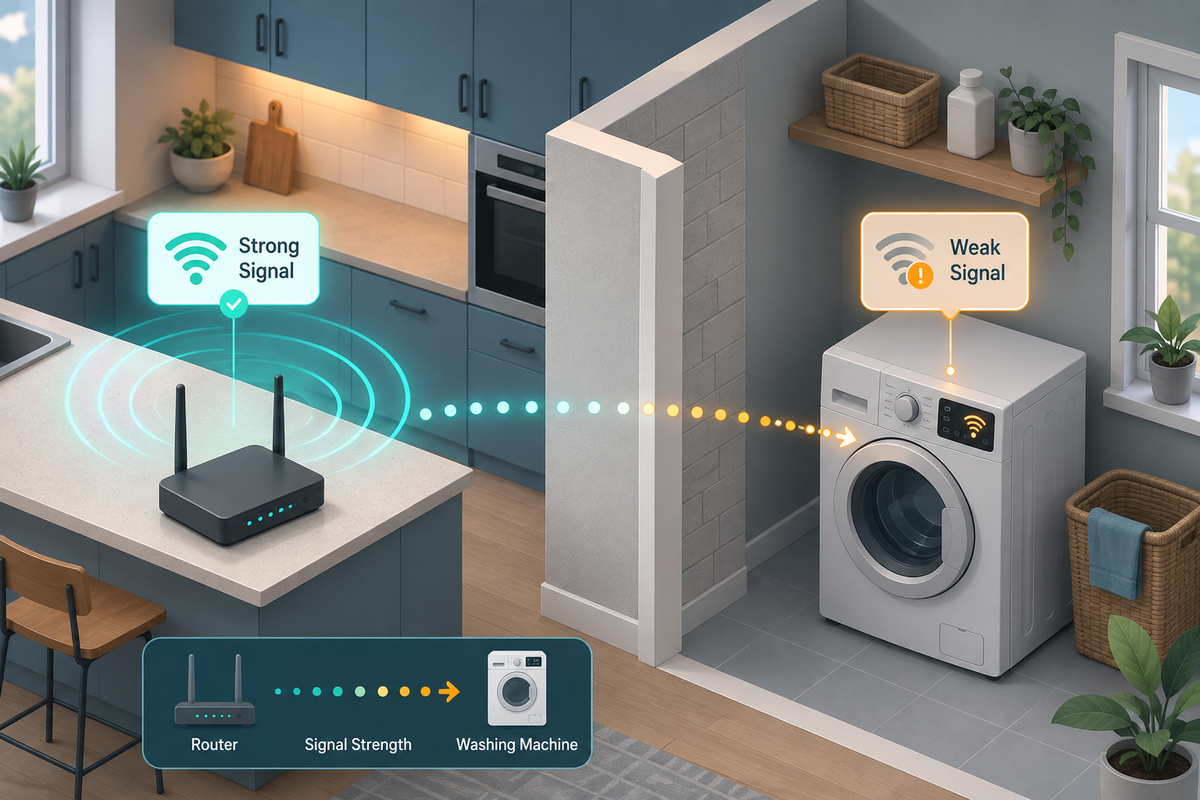
Work through these in order:
- Confirm the appliance is on the 2.4GHz band, not 5GHz. Most smart appliances still don't support 5GHz, and this is the single most common silent failure point.
- Check router placement and signal strength near the appliance. Metal appliance bodies and distance both degrade signal quality.
- Update the manufacturer's app, and check for pending firmware updates on the appliance itself.
- Power-cycle both the router and the appliance, not just the appliance.
- Re-pair from scratch if the appliance was recently moved, or if your router or network name changed.
New in 2025-2026: Matter and Thread Pairing Issues
If your appliance "was fine yesterday" and suddenly drops offline, the culprit might not be your router at all. Matter, the newer smart-home interoperability standard, ties devices to a shared network structure called a fabric, which is controlled by hub software the appliance itself has no control over. A firmware update to a smart speaker or hub elsewhere in your house can knock a Matter-connected appliance off that fabric without touching the appliance's own settings. It's an odd, invisible failure mode, and it's why "nothing changed on my end" can still be true and the appliance still stops working.
Step 4: Reading Error Codes Before You Call (and What They Actually Mean)
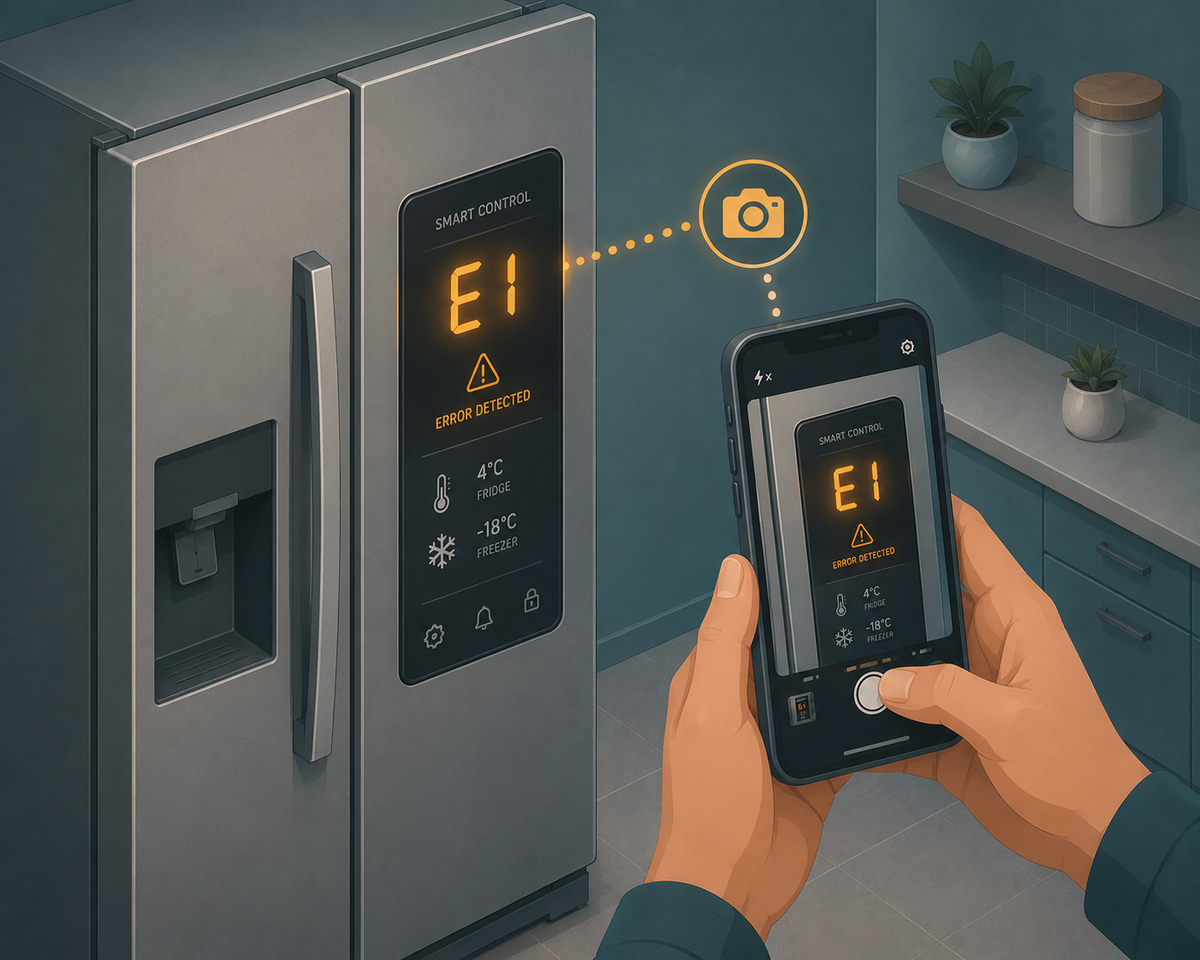
Most brands split error codes into two buckets. Sensor and communication codes are often clearable with a reset. Component-failure codes, involving the motor, compressor, or heating element, generally need a technician.
A common example: LG washers often display an "IE" code, which stands for inlet error, usually pointing to a water supply or valve issue rather than an electronics failure. Samsung refrigerators use their own code families for sensor and defrost-related faults. Codes vary by brand and model year, so always check your specific model against the manufacturer's current support page rather than a generic code list you found through search.
One habit that pays off: photograph the exact code and the screen the moment it appears, before you do anything else. If you do end up booking a repair, that photo alone can turn a two-visit diagnostic-then-repair job into a single visit.
What a Repair Actually Costs, and the Real Repair-vs-Replace Math
A diagnostic or service call fee typically runs $70 to $130 for the trip and the first hour of labor, often credited toward the repair cost if you move forward with the work.
Actual repair costs vary widely. Based on a dataset of 47,080 completed repair jobs, the median repair cost was $277 and the average was $294, with national published ranges landing around $150 to $400 for most jobs. Major component failures push that number up fast: a refrigerator compressor replacement can run $700 to $1,250.
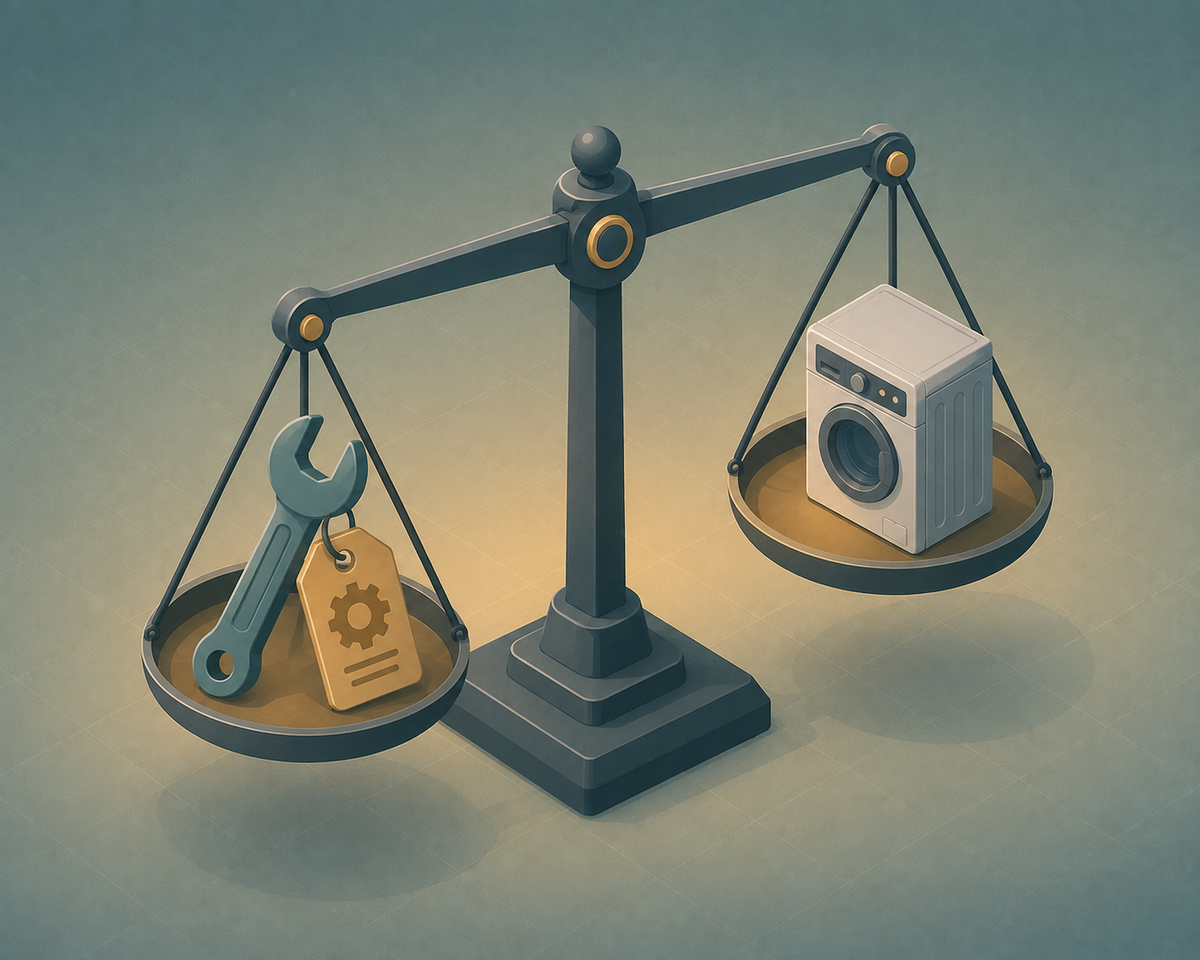
The 50% rule is the simplest gut check available. A $250 repair on a $500 dishwasher is genuinely a toss-up. A $250 repair on a 12-year-old fridge that cost $2,000 new probably isn't worth it, and honestly, if I were staring down that quote, I'd start pricing a replacement instead of paying to extend the life of a machine that's already past its expected lifespan.
Here's a stat worth sitting with: per Bozmanfix's aggregation of Consumer Reports data, 58% of consumers replace rather than repair a broken large appliance, and 87% do for small appliances. That's not a rule you should blindly follow, but it does mean your instinct toward "just replace it" is shared by most people, and sometimes worth questioning rather than defaulting to.
Smart appliances complicate this math a little. A chunk of what shows up as "repair cost" on a smart unit might be a Wi-Fi module or control board issue, not a mechanical one, and those can be pricey even though the appliance's core function, cooling, washing, cooking, isn't affected at all. Ask the technician to quote the mechanical fix and the smart-module fix separately. Treating them as one bundled number can push you toward replacing a perfectly good washing machine because its Wi-Fi chip died.
When to Stop Troubleshooting and Book a Repair
- Breaker trips repeatedly on reset
- Burning smell, visible scorching, or sparking
- Water leaking near any electrical component
- Error code maps to a hardware or component failure, not a comms issue
- The appliance works but is clearly unsafe, like a gas smell near a range
- You've run the manual-control test and the appliance still fails without the smart layer
How to Get a Faster, Cheaper Repair Visit (If You Do Need One)
Photograph the error code and note exactly when it happens, mid-cycle versus on startup makes a real diagnostic difference.
Note whether the problem is constant or intermittent. Techs usually ask this first, and having the answer ready saves time on-site.
If it's a connectivity-only issue, say so explicitly when booking. That way the technician brings the right tools instead of guessing.
Ask upfront whether the diagnostic fee applies to the repair cost if you proceed. This varies by company, and it's a five-second question that can save real money.